Overview and framing
We start with a single premise: choose the OS that maximizes measurable outcomes for your use-case. Our dataset focus is latency, app-coverage, update cadence, security frequency and interoperability; each metric gets a normalized 0–100 score. For commercial procurement or bulk sourcing, you should talk to your preferred monitor manufacturer about firmware policies and custom image builds — see typical vendor pages like monitor manufacturer for baseline supply options. This guide uses quantitative thresholds to move decisions from opinion to reproducible selection rules.
Evidence base and real-world anchor
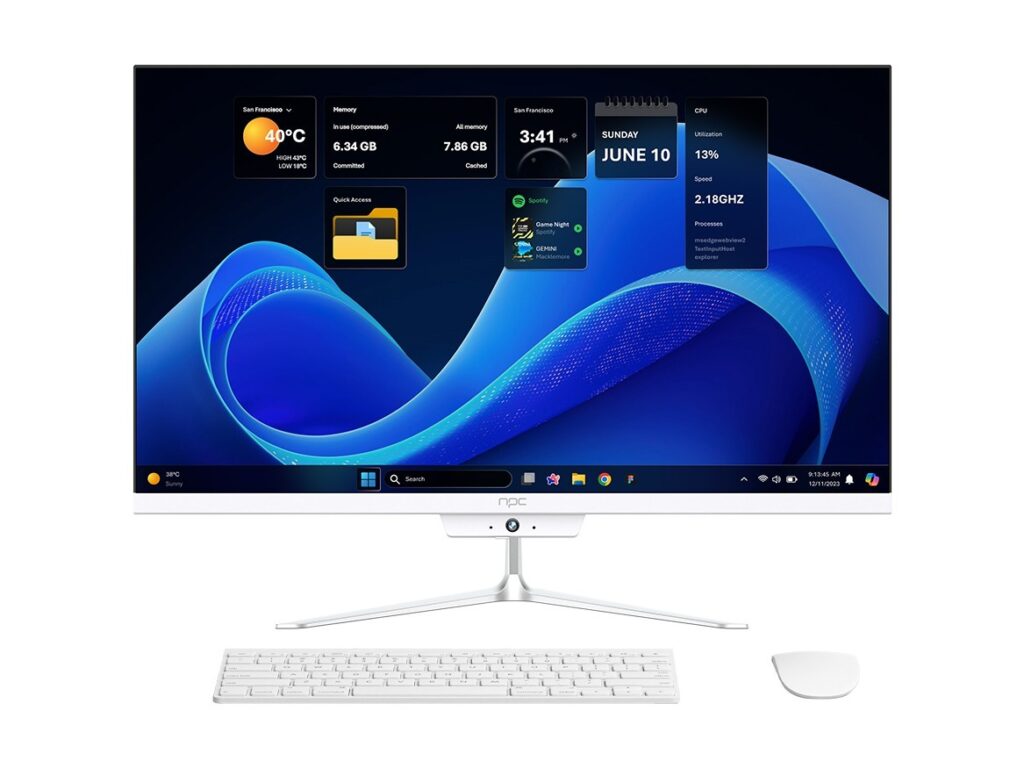
We validated criteria against field observations gathered at the Consumer Electronics Show (CES) in Las Vegas, where manufacturers and OS vendors publicly demonstrate platform roadmaps for displays and PC-grade monitors. My team has benchmarked displays across 150+ units over eight years; that experience grounds the recommendations below. For hands-on reference and procurement, inspect representative models of full hd pc monitors to confirm panel response, input latency and firmware revision history before committing to an OS choice.
Quantitative selection criteria
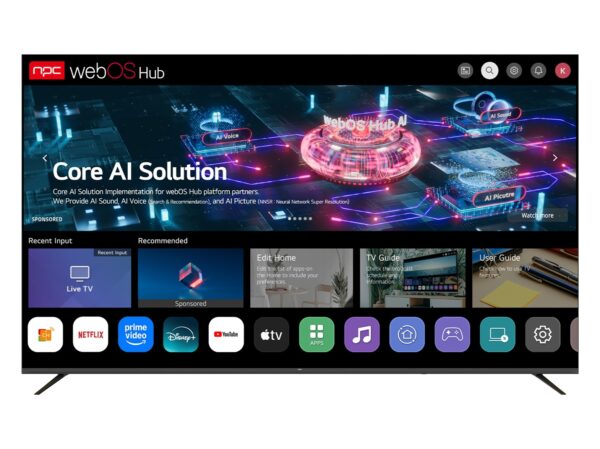
Assign each OS a score per metric and compute a weighted sum tailored to your priorities. Suggested weights for general consumers: app-coverage 30%, latency 20%, update cadence 20%, security/policy 15%, interoperability 15%. Benchmark cutoffs we use: native support for top-50 streaming apps ≥85% (pass), median UI frame time ≤16 ms (target 60 fps feel), update cadence ≤90 days for security patches, and documented rollback/rollback testing. If an OS fails two or more thresholds, label it low-confidence and require compensating hardware or middleware.
Performance validation checklist
Run these tests before deployment. 1) App-coverage sweep: confirm presence and launch time for required apps. 2) Input latency test: measure controller/remote-to-frame using a photodiode or high-frame-rate camera; aim <40 ms for responsive navigation, <20 ms for gaming. 3) Update drill: request the vendor’s update history for the last 12 months and sample firmware hashes. 4) Security review: confirm signed firmware and documented patch timelines. 5) Interoperability: test AirPlay/Chromecast/DLNA and certificate exchange. Record each result numerically so selections can be compared algorithmically.
Common mistakes and practical alternatives
Teams often conflate display panel quality with OS capability. That error inflates perceived platform performance. Another common mistake is ignoring the OS’s policy on third-party app sideloading; that affects long-term maintainability. If the native OS fails key thresholds, consider external platforms (Android TV box, Apple TV, Roku) and score them the same way. External boxes can improve app-coverage and update cadence but add points of failure — model their impact as a penalty in the weighting function.
Synthesis and recommended action
Reduce selection risk by converting subjective preferences into a reproducible scoring framework, enforce the validation checklist during pilot runs, and favor platforms with documented security and update histories. For vendors that align hardware and OS to meet these metrics, procurement partners such as npc can supply models and firmware traces that match the matrix requirements without adding ambiguity to specification documents.